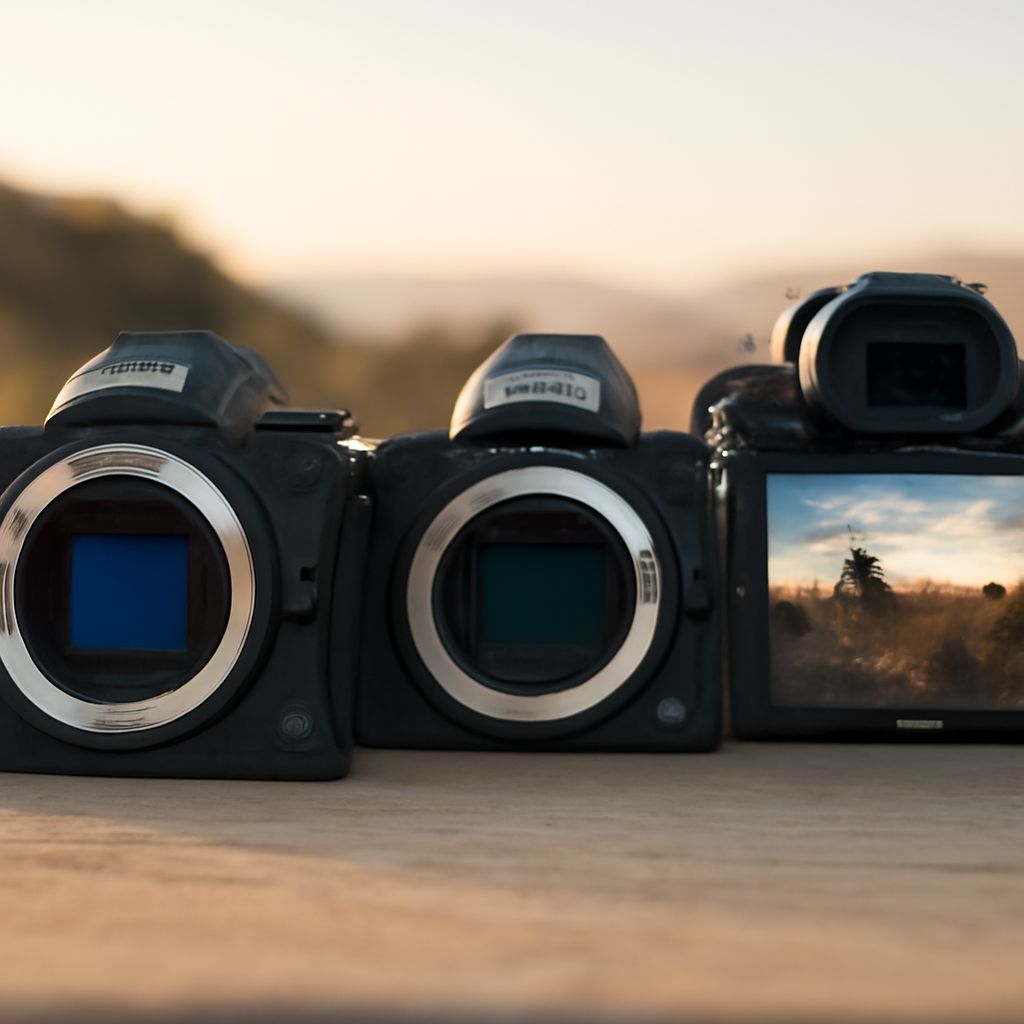
For most beginners, a good DSLR for beginners is one that feels natural to hold, focuses reliably through the viewfinder, and has an affordable lens system—not necessarily the newest or most advanced body. Check those traits before resolution or headline features. Canon EOS Rebel T8i, Nikon D5600, and Pentax K-70 are useful examples of the category, but the same criteria apply when shopping older or lesser-known models.
For a used camera, judge the body’s condition and lens ecosystem alongside its shutter count. The number can support a buying decision, but it cannot predict exactly how long the camera will continue working.
good DSLR for beginners: prioritize ergonomics, autofocus, size, and controls
The first hands-on test is simple: hold the camera as if you were taking a portrait, then adjust key settings without removing your eye from the viewfinder. A beginner-friendly body should make frequent actions easy rather than burying them in menus.
- Ergonomics: Look for a deep enough grip, well-placed command dials, and buttons you can identify by touch. A lighter body is easier to carry, but an extremely small grip may feel cramped with a larger lens.
- Autofocus: Viewfinder autofocus should lock quickly on still subjects and track moderate movement. Test single-point focus as well as automatic-area modes, because choosing the focus point is an essential learning skill.
- Controls: Aperture priority, shutter priority, manual exposure, exposure compensation, and ISO should be clearly accessible. These controls teach the relationship between light, motion, and depth of field.
- Viewfinder and screen: A bright optical viewfinder helps with composition in sunlight. A tilting screen is useful for low or high angles, while responsive live-view autofocus makes screen shooting less frustrating.
- Condition: Check that the battery door, card slot, hot shoe, buttons, and mode dial work smoothly. Sticky controls, corrosion, or an intermittent screen matter more than a small difference in megapixels.
Compare features and lens systems for a good entry-level DSLR
Choose the lens mount before choosing extra features. Canon EF and EF-S, Nikon F, and Pentax K systems each offer extensive used markets, but lenses are not interchangeable between them. Search local listings for the lenses you expect to need, including a standard zoom, affordable telephoto, and fast prime.
- Lens availability: Prefer a system with several affordable lenses in good condition. A cheap body becomes expensive if every suitable lens is scarce.
- Size and sensor: APS-C DSLRs are usually a practical balance of image quality, cost, and portability. Compare the complete body-and-lens package, not body weight alone.
- Autofocus behavior: Check both viewfinder and live-view performance. Some older DSLRs focus well through the viewfinder but respond slowly when composing on the screen.
- Learning path: Prioritize direct controls and a clear information display over built-in effects or advanced video features. Those controls remain useful as your technique improves.
how to find shutter count: metadata, menus, manufacturer software, and service checks
Use more than one method when possible. Shutter-count data can be absent, incomplete, or misleading after file conversion or repairs.
- Request an original file. Ask the seller for a fresh, unedited JPEG or RAW file made by the camera. Editing software and social platforms often remove EXIF metadata.
- Read the metadata. Open the file in a utility such as ExifTool or a model-compatible shutter-count application. Look for fields named “Shutter Count,” “Actuation Count,” or “Image Count.” Support varies by camera, so a missing field does not automatically mean the count is low.
- Check manufacturer software. Some brands provide desktop utilities or service tools that can display actuations for selected models. Many standard transfer applications do not, so confirm that the software supports the exact camera.
- Inspect the camera menu. A few models expose the count in a setup or information screen, but most do not show it in the normal playback menu. Do not mistake the sequential image number for a shutter count.
- Use a service check. For an expensive purchase, an authorized service center or reputable camera technician can read the count and identify faults. This is the strongest option when metadata is unavailable or the seller’s files are questionable.
Treat shutter count as a condition signal, not a lifespan guarantee
Entry-level DSLR shutters commonly carry published ratings around 100,000 to 200,000 actuations, depending on the model. That figure is a test target or design expectation, not a promise that the shutter will fail at the limit or last beyond it.
- A low count is reassuring, but it does not prove careful storage, a healthy sensor, or an undamaged lens mount.
- A higher count can still represent good value if the camera passes all functional tests and the price reflects possible service needs.
- Compare the reading with body wear, seller history, sample images, autofocus accuracy, exposure consistency, and signs of moisture or impact.
- Ask about shutter replacement or repairs if the count is near the rating. A replaced shutter may lower mechanical risk, but the service record should support that claim.
Before paying, make test exposures at several shutter speeds, check the mirror and shutter for unusual noise, review images for exposure or focus errors, and confirm that every control works. Use the shutter count to refine the condition assessment—not to assign a guaranteed remaining life.