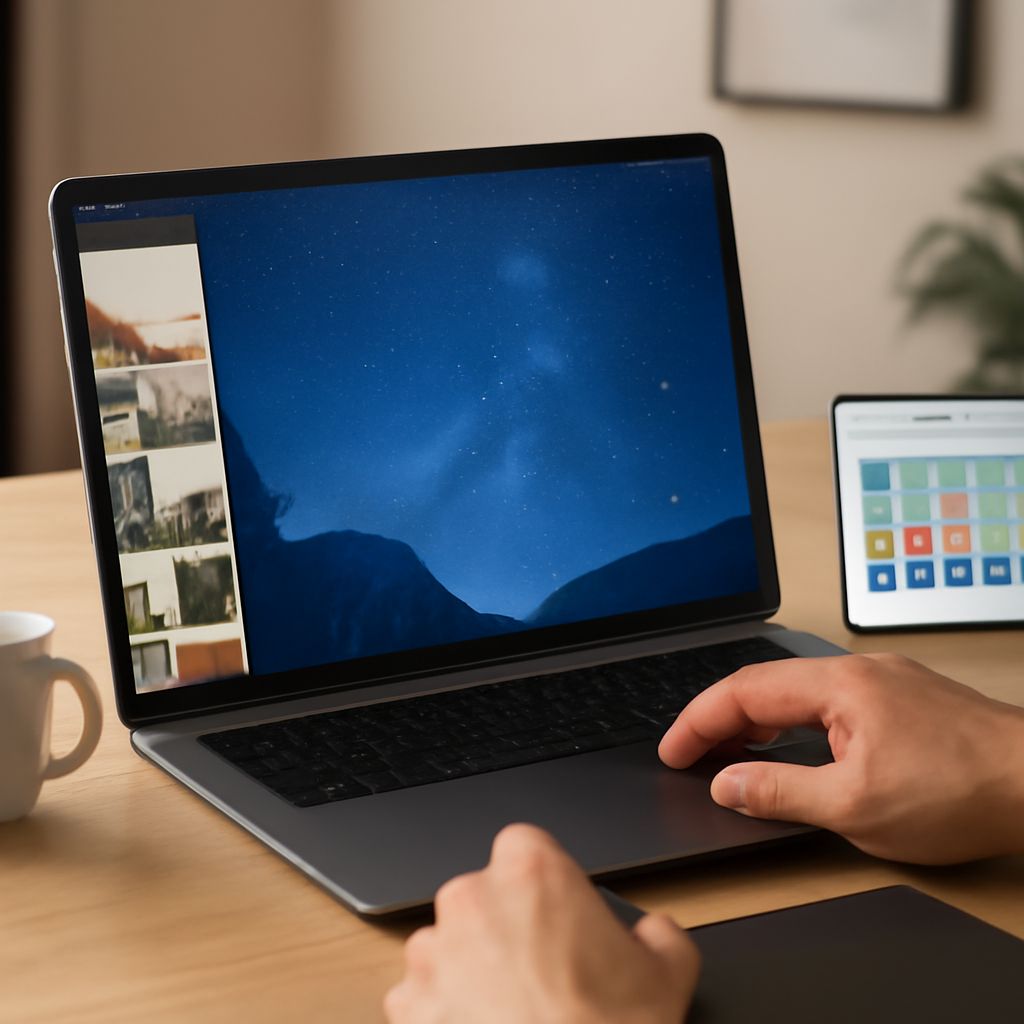
Creating custom backgrounds can transform your digital spaces, adding a personal touch that reflects your style. With a plethora of online tools available, making your own background has never been more accessible. Whether you’re looking to jazz up your desktop or design something unique, online wallpaper makers and desktop wallpaper creators offer user-friendly solutions for all your creative needs.
Understanding Online Wallpaper Makers
Online wallpaper makers are versatile platforms that allow users to design and customize digital backgrounds. These tools often come with a variety of templates, color palettes, and design elements, enabling users to create something truly original without needing advanced graphic design skills. Unlike traditional design software, these online platforms are typically more intuitive and accessible, catering to both beginners and seasoned designers.
Steps to Create Your Own Background
To begin crafting your custom background, follow these straightforward steps:
- Choose Your Tool: Select an online wallpaper maker that suits your needs. Look for platforms offering a wide range of design options and easy-to-use interfaces.
- Select Dimensions: Determine the size of your background. This could vary depending on whether it’s for a desktop, mobile, or tablet. Many tools offer preset dimensions for common devices.
- Pick a Template: Start with a blank canvas or choose from a collection of templates. Templates can serve as a great foundation, especially if you’re new to design.
- Customize Your Design: Use the tool’s features to add colors, images, text, and other elements to your background. Experiment with different styles to find what resonates with you.
- Preview and Adjust: Before finalizing, preview your design. Make any necessary adjustments to ensure it looks perfect on your intended device.
- Download and Set: Once satisfied, download your creation and set it as your desktop or device background.
Top Tools for Desktop Wallpaper Creation
Navigating the sea of available tools can be daunting. Here are some top choices to consider:
- Canva: Popular for its vast library of templates and simple drag-and-drop interface, Canva is a favorite among many designers. It offers a free tier with plenty of features to get started.
- Adobe Spark: Known for its professional-grade features, Adobe Spark provides users with powerful design tools and countless customization options.
- Snappa: Ideal for quick designs, Snappa offers pre-made templates and a straightforward user experience, perfect for those who need to create something fast.
- Visme: This tool is excellent for creating intricate designs with its advanced features and extensive template library.
Tips for Designing Stunning Backgrounds
Creating an eye-catching background isn’t just about the tools you use; it’s also about understanding design principles. Here are some tips to elevate your background designs:
- Keep It Simple: An overly busy design can be distracting. Aim for simplicity and clarity, allowing key elements to stand out.
- Focus on Color Harmony: Use a color palette that complements each other. Tools like color wheels can help in selecting harmonious color schemes.
- Consider Typography: If your design includes text, choose fonts that are legible and fit the overall aesthetic.
- Use High-Quality Images: If incorporating photos or graphics, ensure they are high-resolution to avoid any pixelation or blurriness.
- Test on Multiple Devices: Designs may look different depending on the screen. Test your background across various devices to ensure it maintains its appeal.
By understanding the functionalities of online wallpaper makers and applying these design principles, you can easily create stunning backgrounds that breathe life into your digital environment. Whether for personal enjoyment or professional use, the right tools and tips will set you on the path to success.