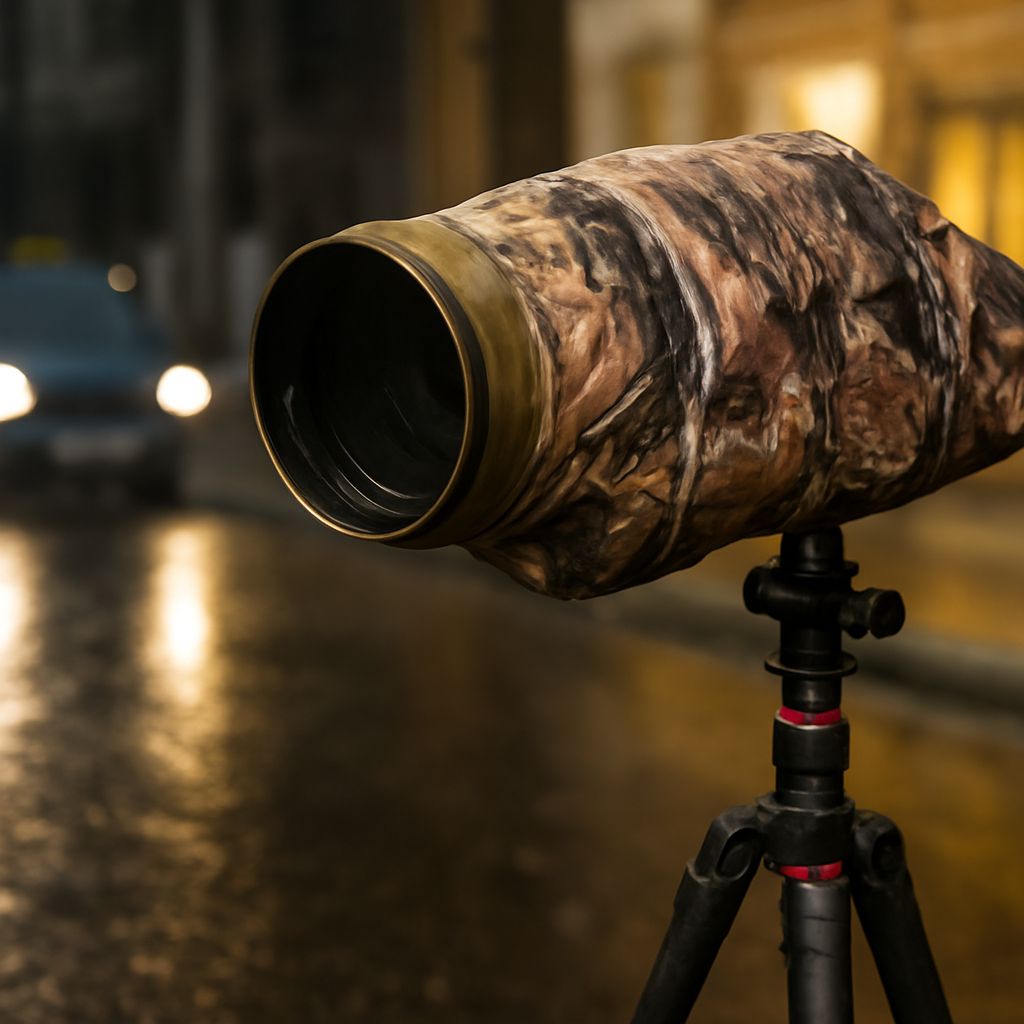
What protects a camera while keeping the photograph clear? The answer depends on when the equipment needs protection. A cap covers the lens between shots, a clear filter can stay in place while the camera is in use, and an outer cover shields the body in its bag or in changing weather.
A protector for a camera lens should fit the way the photographer works. A crowded street, a windy beach, and a quiet studio present different demands. Choosing camera protection begins with the conditions, then moves to fit and image quality.
Camera Protector Options and Their Jobs
A lens cap shields the front element from incidental contact and dust during storage or travel. It must be removed before shooting. A cap with a secure grip and a place in the bag is more useful than one that spends the afternoon disappearing into a pocket.
A transparent protective filter screws onto a compatible lens and remains in the light path while photographs are made. It offers an accessible outer surface when spray or dust is likely. The photographer can clean that surface during a session, then inspect both filter and lens afterward.
An outer camera protector serves a different area. A protective camera case helps shield the body and lens during transport; a fitted rain cover can shield equipment while it is being used in wet conditions. Check the cover’s intended coverage and openings for the lens, controls, and viewfinder. Its fit should allow the photographer to operate the camera without pulling the material across the front glass.
A camera lens protector is most useful when its purpose is clear. On a sandy shoreline, a filter and a cover may address different exposures. In a padded bag, a cap may be the practical choice. The selection follows the work rather than a rule that every lens needs the same accessory.
Match the Filter to the Lens
For a screw-in filter, check the lens’s filter thread diameter. It is commonly marked on the lens with a diameter symbol, Ø, followed by a number in millimeters. Nikon’s filter guide points readers to the size marked on the lens.
That number is separate from focal length. A 50 mm lens describes its focal length; its filter thread may have a different diameter. Use the filter size in the lens specifications if the marking is hard to find. Some lenses require a different filter arrangement, so their manual is the useful guide.
A protective filter for a camera lens should engage smoothly and sit flat. Turn it gently and stop if the threads resist. Check that the cap and hood still attach, and inspect the corners at the widest focal length: a thick rim or stacked filters can darken the edges of an image.
Watch for Reflections
Every additional glass surface can create reflections. Against a dark street, a bright lamp may produce a faint second spot or a wash of flare. Coatings can reduce reflections, but the scene and the angle of light still matter.
Compare frames with and without the filter when practical. Keep the camera position and exposure consistent, and look for changes around bright sources. A hood can reduce stray light entering from the side; Nikon explains its role in limiting flare. The comparison helps determine whether the added surface is affecting that particular image.
Keep the Surface Clean
Dust and fingerprints on a lens cover or filter deserve a gentle approach. Use a hand blower to remove loose grit before wiping. Then use a clean lens cloth; for stubborn marks, follow the lens or filter maker’s directions for a suitable cleaner. Sony recommends putting lens-cleaning solution on the cloth or tissue rather than directly on the lens.
A protective cover for camera equipment also needs attention: shake out grit and allow a wet cover to dry before storage. Clean the cap’s inner surface so it does not return dust to the glass.
The best protection for a camera lens is the accessory that fits securely, addresses the actual conditions, and leaves the intended image intact.