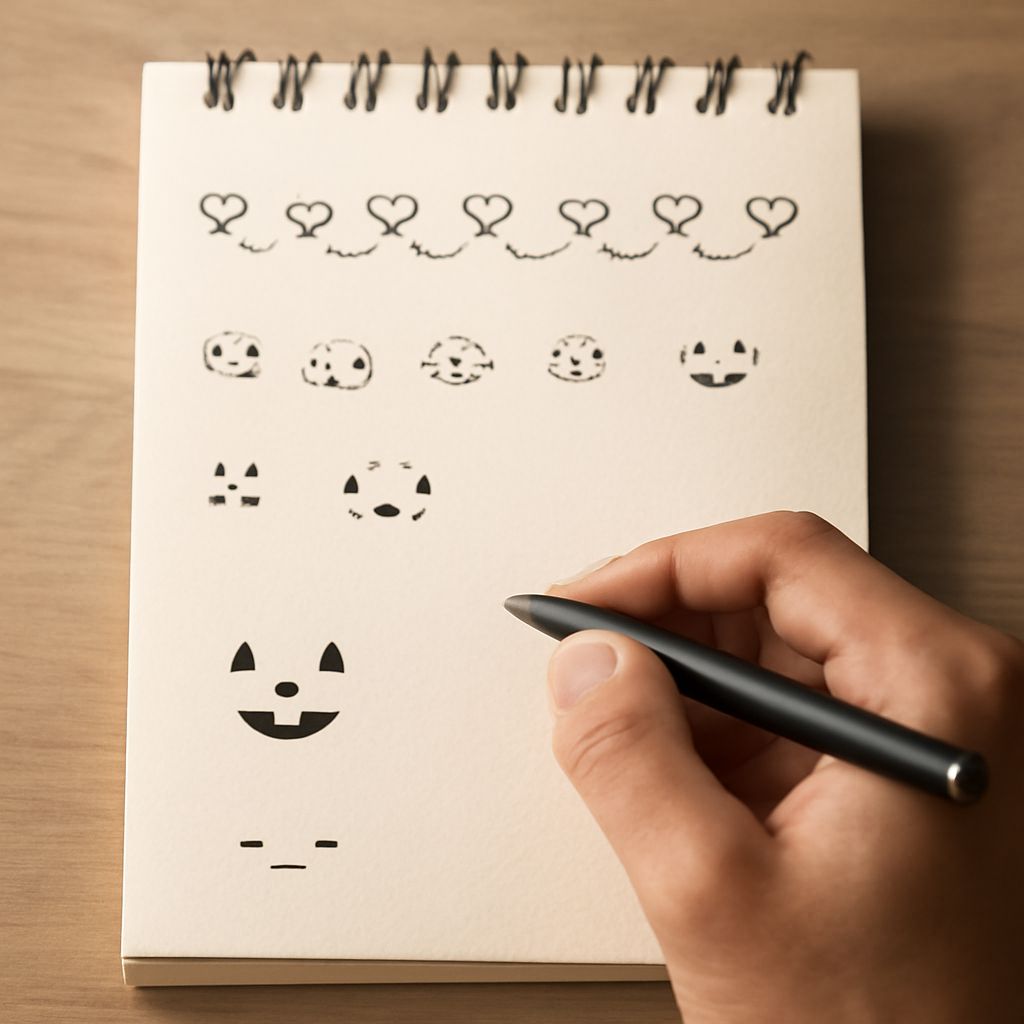
In the digital age, visual communication has taken on a new form with the use of text pics and text art. These creative expressions transform ordinary text into captivating designs that can convey messages more vividly than plain text. Whether you’re looking to create something new or find existing pieces to use, understanding the nuances of text pics and text drawing is essential.
Understanding Text Pics
Text pics, also known as ASCII art, involve crafting images using the characters available on a standard keyboard. This form of art dates back to the early days of computing when graphical possibilities were limited. Today, text pics are used across social media, messaging apps, and online forums to add an artistic flair to communication. Notable examples include smiley faces, animals, and even elaborate scenes—all created with a series of letters, numbers, and symbols.
How to Create Text Art
Creating text art involves several steps and tools that can vary depending on the complexity of the design. Here are some foundational methods:
- Select a Tool: Begin by choosing a text editor or a specialized ASCII art tool. Options range from simple notepad applications to advanced ASCII art generators.
- Choose a Design: Determine the image or design you wish to create. Start with a basic shape or pattern if you’re a beginner.
- Layout the Characters: Use different keyboard characters to form your design. Experiment with spacing and arrangement to achieve the desired look.
- Refine the Details: Pay attention to details like shading and texture by varying the density of characters or selecting different symbols.
As you gain experience, you can tackle more complex projects and incorporate elements like color and animation using advanced ASCII tools.
Exploring Copy-Paste Text Art
For those who prefer using pre-made text art, a wealth of options exists for copy-paste text art. These ready-made designs can be found online, often categorized by themes such as holidays, emotions, or pop culture references.
When using copy-paste text art, it’s crucial to consider the context and platform—some designs may not display correctly due to character encoding differences. To utilize these effectively:
- Find Reliable Sources: Search for reputable websites or forums that curate high-quality text art, ensuring the designs maintain their integrity when copied.
- Test on Different Platforms: Before sharing, test the text art in various applications to ensure it appears as intended.
Advanced Text Drawing Techniques
Once you’re comfortable with basic text art, you can explore advanced text drawing techniques to elevate your creations. These may include:
- Layering and Depth: Create the illusion of depth by layering characters and using different shades to mimic light and shadow.
- Dynamic Elements: Introduce movement to your text art via scrolling effects or animated GIFs, which can be achieved through ASCII animation tools.
- Custom Typography: Design custom fonts or letterforms that align with your artistic vision, giving your text art a unique signature.
Experimenting with these advanced techniques can result in stunning pieces that push the boundaries of what’s possible with keyboard characters. Whether you choose to create original art or explore pre-made options, text pics and text drawing offer an exciting avenue for artistic expression in the digital realm.