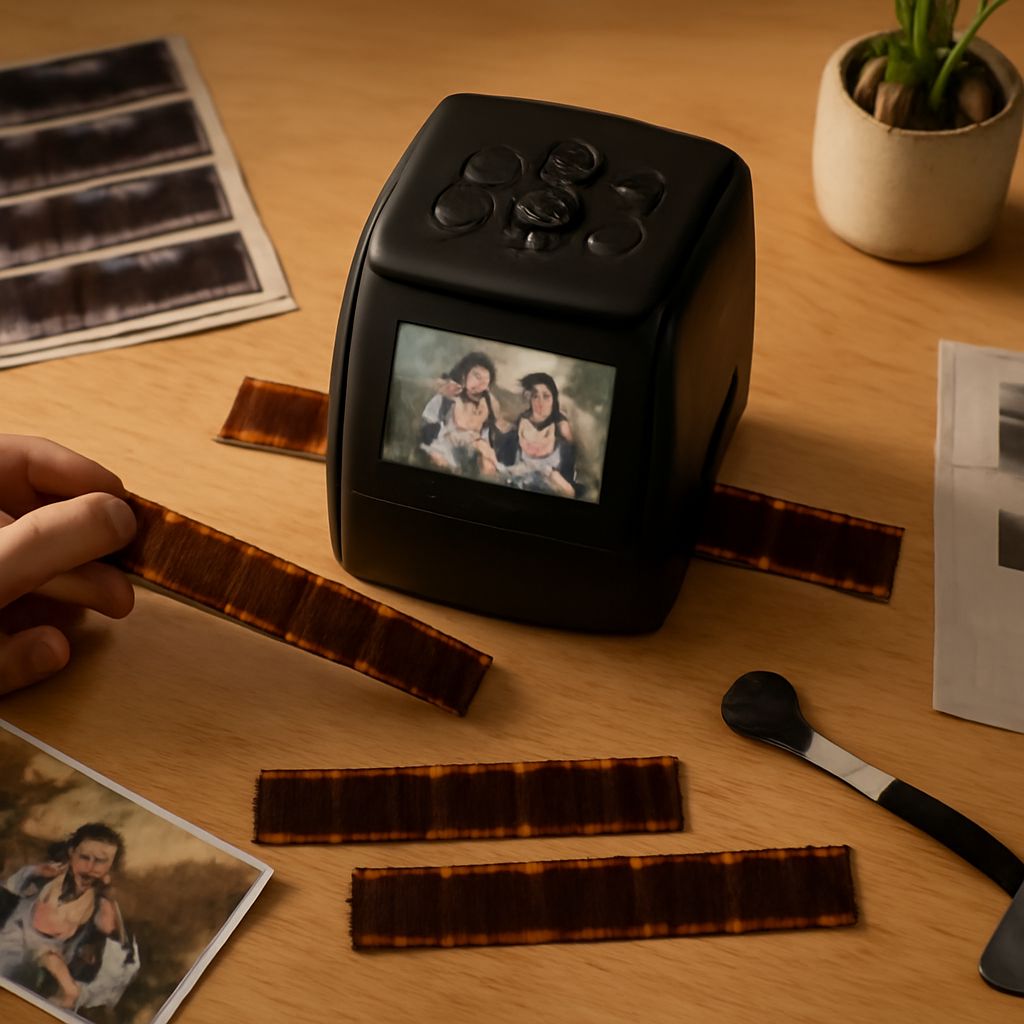
For film enthusiasts, capturing the magic of 35mm film in digital format requires the best tools. A dedicated 35mm negative scanner not only preserves your film’s quality but also provides a gateway to digital editing and sharing. In this guide, we’ll explore essential scanners of 2023, their key features, and tips for achieving the best results.
Why Choose a 35mm Negative Scanner
Using a 35mm scanner offers several advantages over flatbed alternatives. Dedicated film scanners are purpose-built to handle negatives, providing superior resolution and color accuracy. This ensures that the depth and nuances of each film frame are captured, making your digital copies as vibrant as possible.
Top 35mm Negative Scanners of 2023
Here’s a look at some of the best 35mm film scanners that have made waves in 2023:
- Plustek OpticFilm 8200i AI: Known for its high-resolution output and infrared dust and scratch removal, this scanner delivers exceptional detail and clarity. Ideal for professionals who require top-notch image quality.
- Epson Perfection V850 Pro: Though a flatbed, it’s equipped with advanced scanning technology, offering competitive results for film scanning. It’s perfect for those who need versatility in scanning various media types.
- Pacific Image PrimeFilm XAs: Offers a balance of quality and speed, with an automatic batch scanning feature that saves time without compromising on quality.
- Canon CanoScan 9000F Mark II: Offers excellent color accuracy and has a user-friendly interface, perfect for both beginners and seasoned photographers looking for simplicity and quality.
Key Features to Consider
When selecting the best 35mm film scanner for your needs, keep these features in mind:
- Resolution: The higher the DPI (dots per inch), the finer the detail. Aim for at least 2400 DPI for everyday use, but 4800 DPI is preferable for professional results.
- Dynamic Range: A higher dynamic range means better capture of detail in shadows and highlights. Look for a scanner with a Dmax of at least 4.0.
- Software and Compatibility: Ensure the scanner software is compatible with your operating system and offers features like color correction and dust removal.
- Speed: Consider the time it takes to scan each frame, especially if you have a large collection of negatives.
- Connectivity: Options like USB 3.0 or wireless connectivity can enhance workflow efficiency.
How to Get the Best Results
To maximize the quality of your digital scans, follow these tips:
- Cleanliness: Keep your negatives and scanner glass clean. Dust and fingerprints can significantly affect scan quality.
- Proper Calibration: Regularly calibrate your scanner for color accuracy. This ensures that the scans reflect the true colors of your negatives.
- Correct Settings: Experiment with scanner settings to find the best output for your specific type of film. Use manufacturer recommendations as a starting point.
- Post-Processing: Use editing software to enhance and correct your images after scanning. This can include adjustments in exposure, color balance, and sharpness.
- Storage: Store both your original negatives and digital files properly to prevent degradation over time.
Investing in a high-quality 35mm negative scanner can transform your film photography into stunning digital artwork. By choosing the right model and applying best practices, you’ll preserve your film’s beauty for generations to come.